
FTCC Media Player
Divi WordPress Plugin
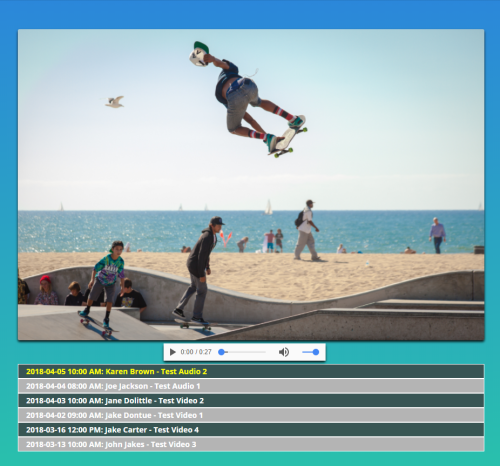
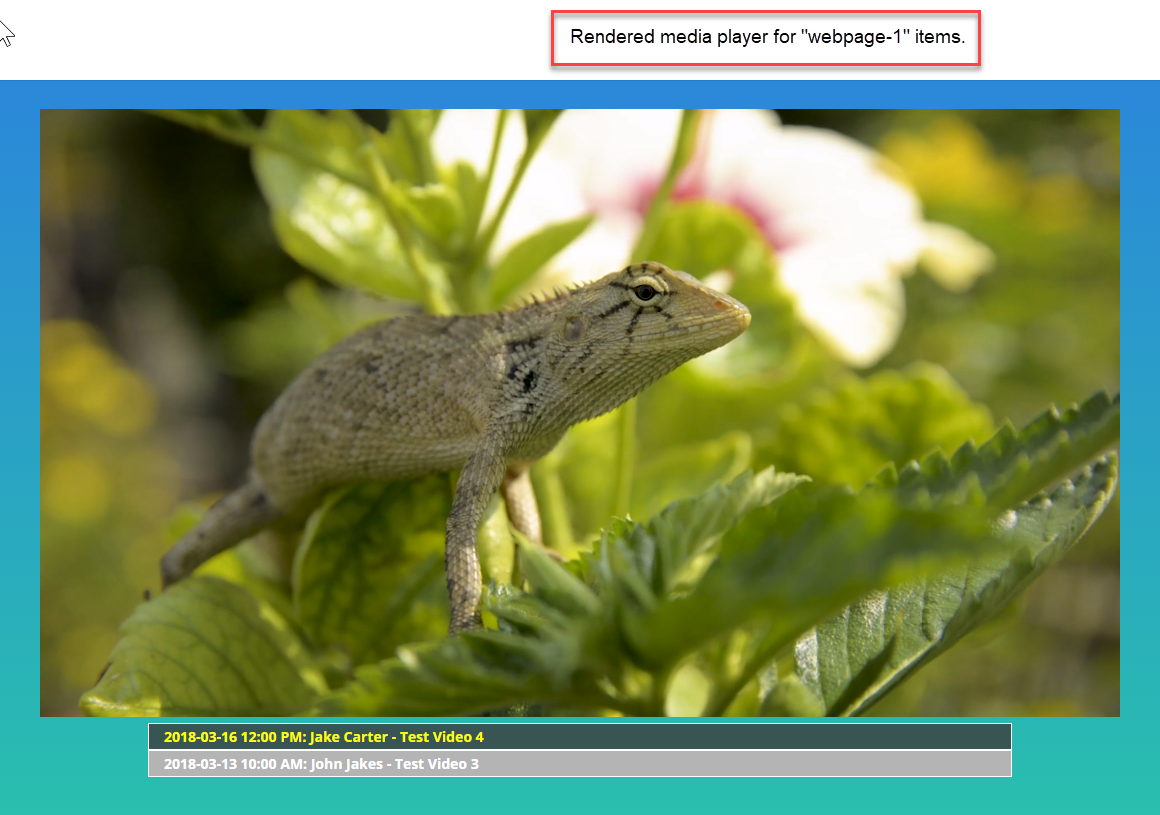
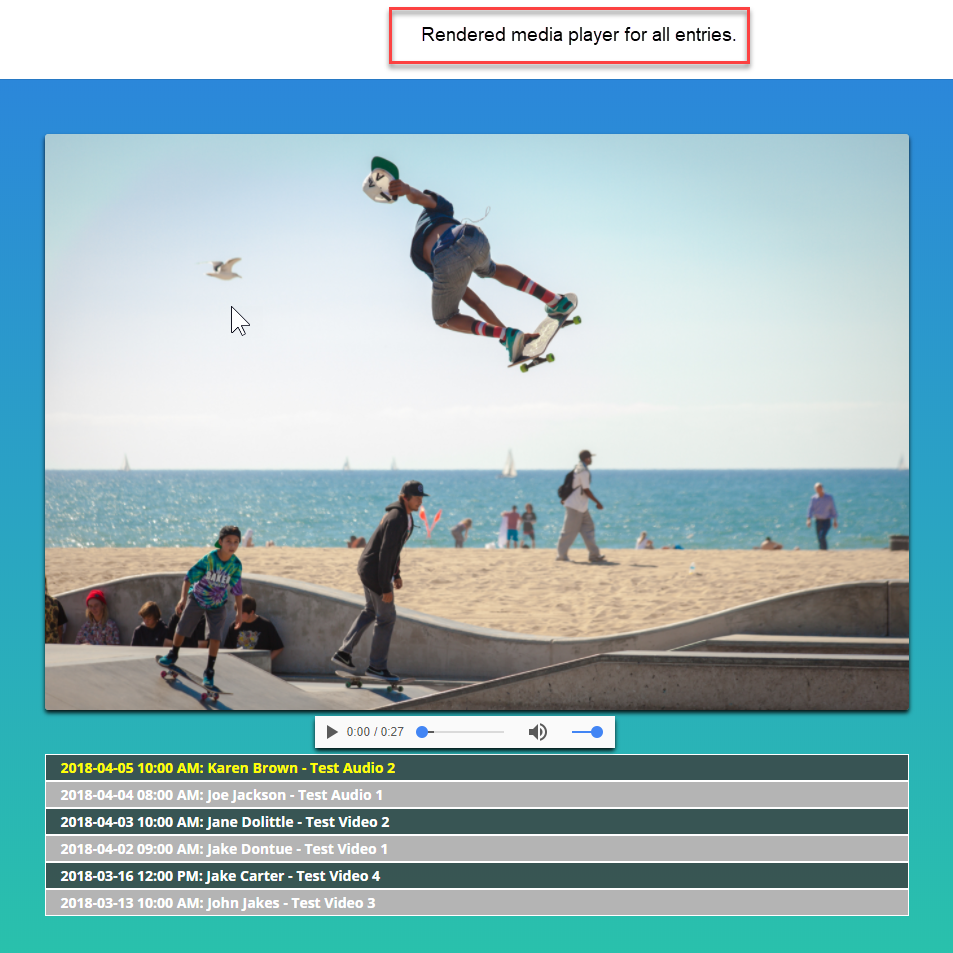
The FTCC Media Player allows you to display a list of mp4 and/or mp3 files to play on your website. An HTML5 player is built to play the files as they are selected from the list.
Media files can be displayed on a specific web page or all files on a single web page.
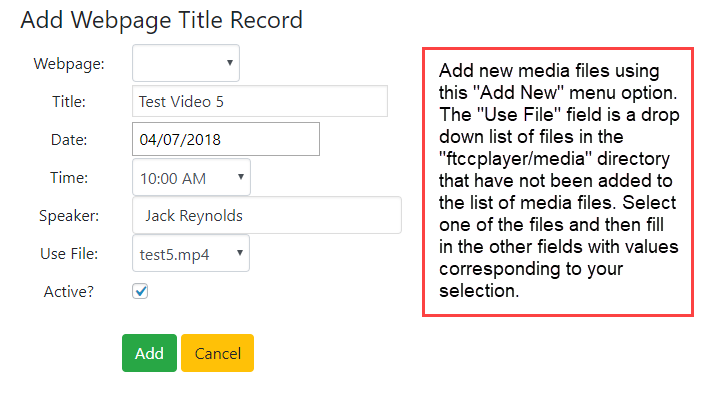
Use FTP to upload media files to the "yourdomain/wp‑content/plugins/ftccplayer/media" directory. Then use the "Add New" menu option to add those files to your media player.
The Add New menu option opens the add window in which you select which file to add and the pertinent information to display in the menu to describe it.
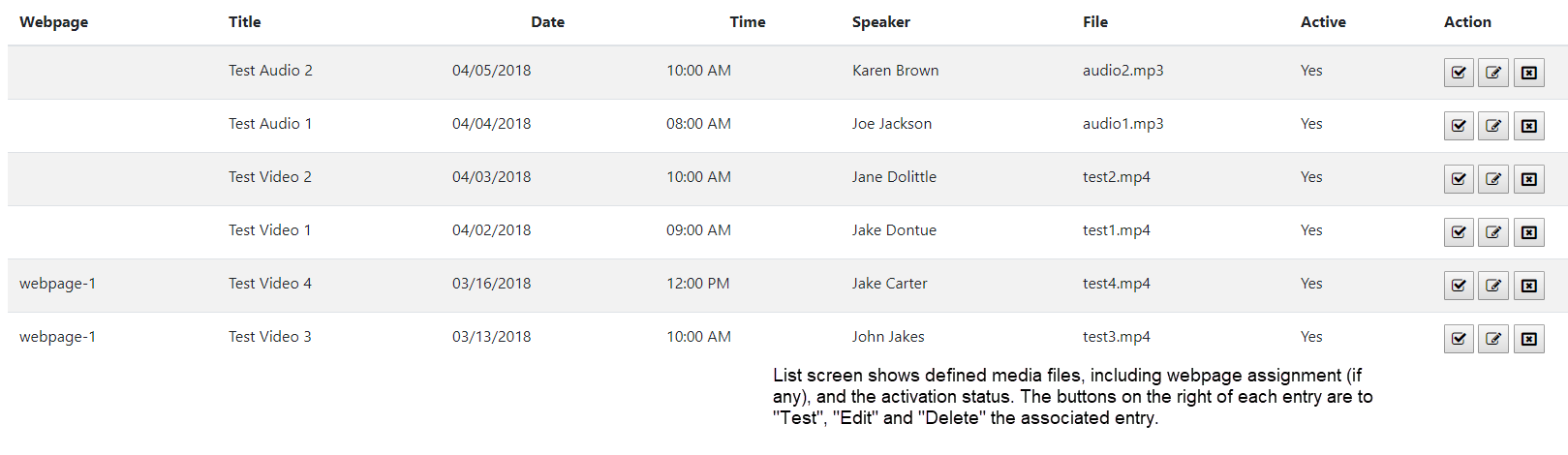
When entries are added, they will show up on the list screen.
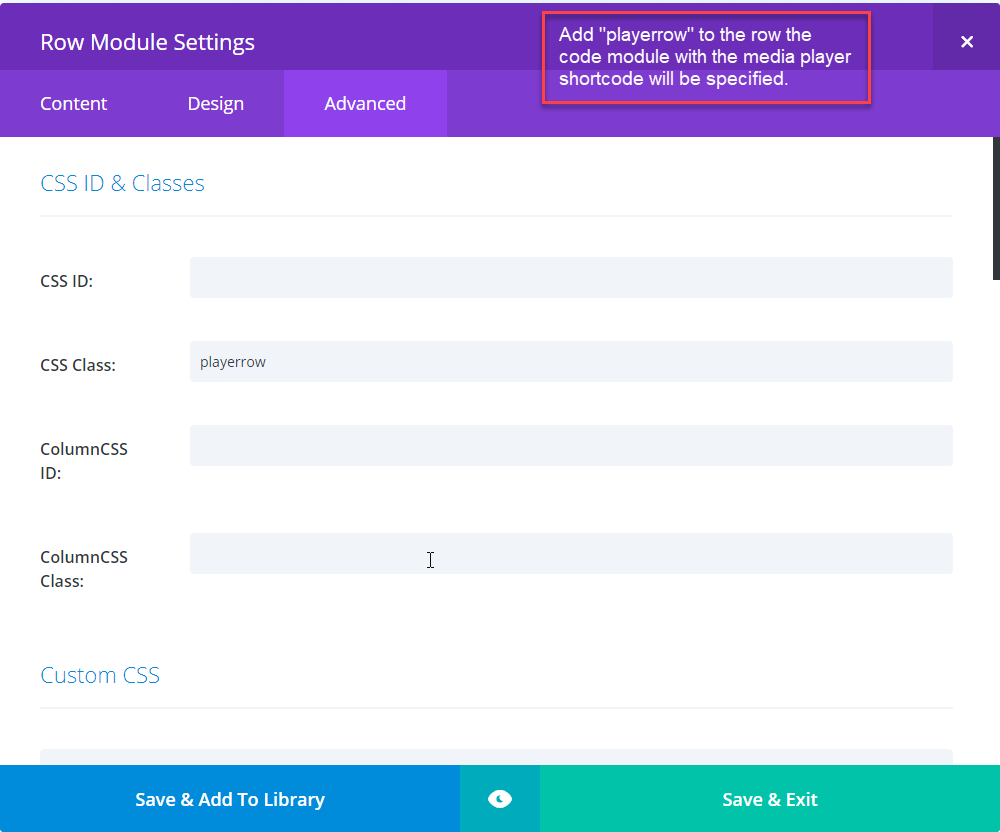
To add a media player. Select a row to contain it. In its settings, add the CSS Class name, "playerrow". This will cause the player to appear within the row instead of above it.
Note: Future versions of Divi might correct this issue making this and the next step unnecessary.

Add this jquery code to the "integration" section of the Divi Theme Options.
(function($) {
  $(document).ready(function() {
    /* Fix FTCC player from appearing above the row it is in */
    $('.playertop').appendTo('.playerrow.et_pb_row .et_pb_code .et_pb_code_inner');
  });
})(jQuery);
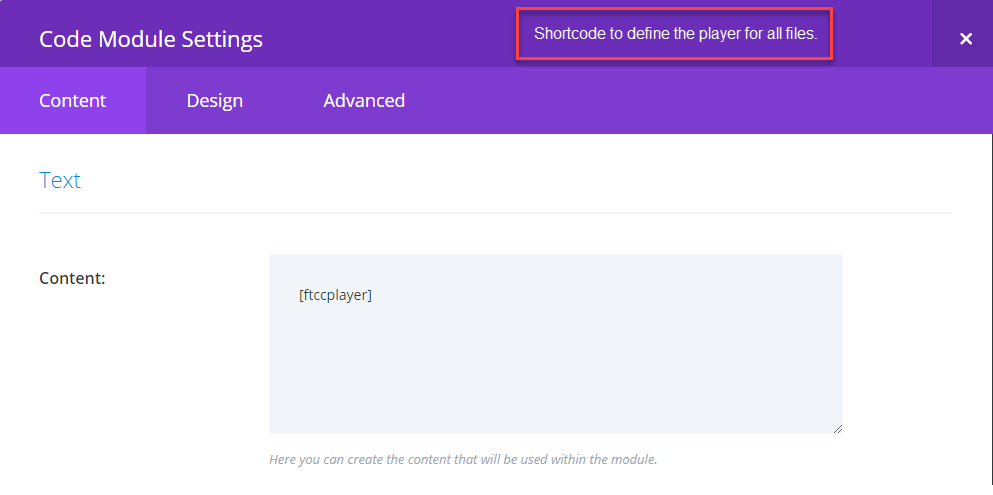
To define the media player, use the shortcode, [ftccplayer], specified in a Code Module.
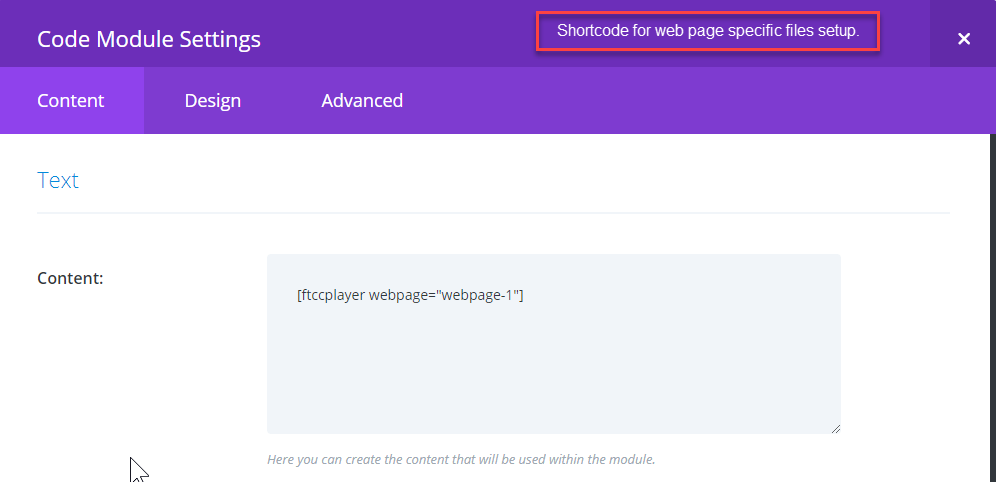
To define the media player that contains only items specified for the page, use the shortcode, [ftccplayer webpage="webpageentry"], in the Code Module.
Note: In this example, the "webpageenty" value is "webpage-1".